
Your WhatsApp handles support and sales automatically using your real data
No credit card • 30-minute demo
How it works in 4 simple steps
From disconnected WhatsApp to intelligent advisor in less than 5 minutes
1. Scan and connect
Scan a QR code with your WhatsApp. Done, it's securely connected.
2. Define and upload your data
Upload historical support tickets, catalogs, policies or databases. Define how it should respond and what tone to use.
3. Your advisor responds automatically
Handles support and advises on sales using only your information, without making up answers.
4. Scale without limits
Handle hundreds of simultaneous conversations maintaining consistent and controlled responses.
Everything you need to automate without risks
Tools designed for businesses that want to scale without losing control of their responses.
How much time you really save
Honest comparison: other solutions vs Wahi
* Estimated times based on typical implementations
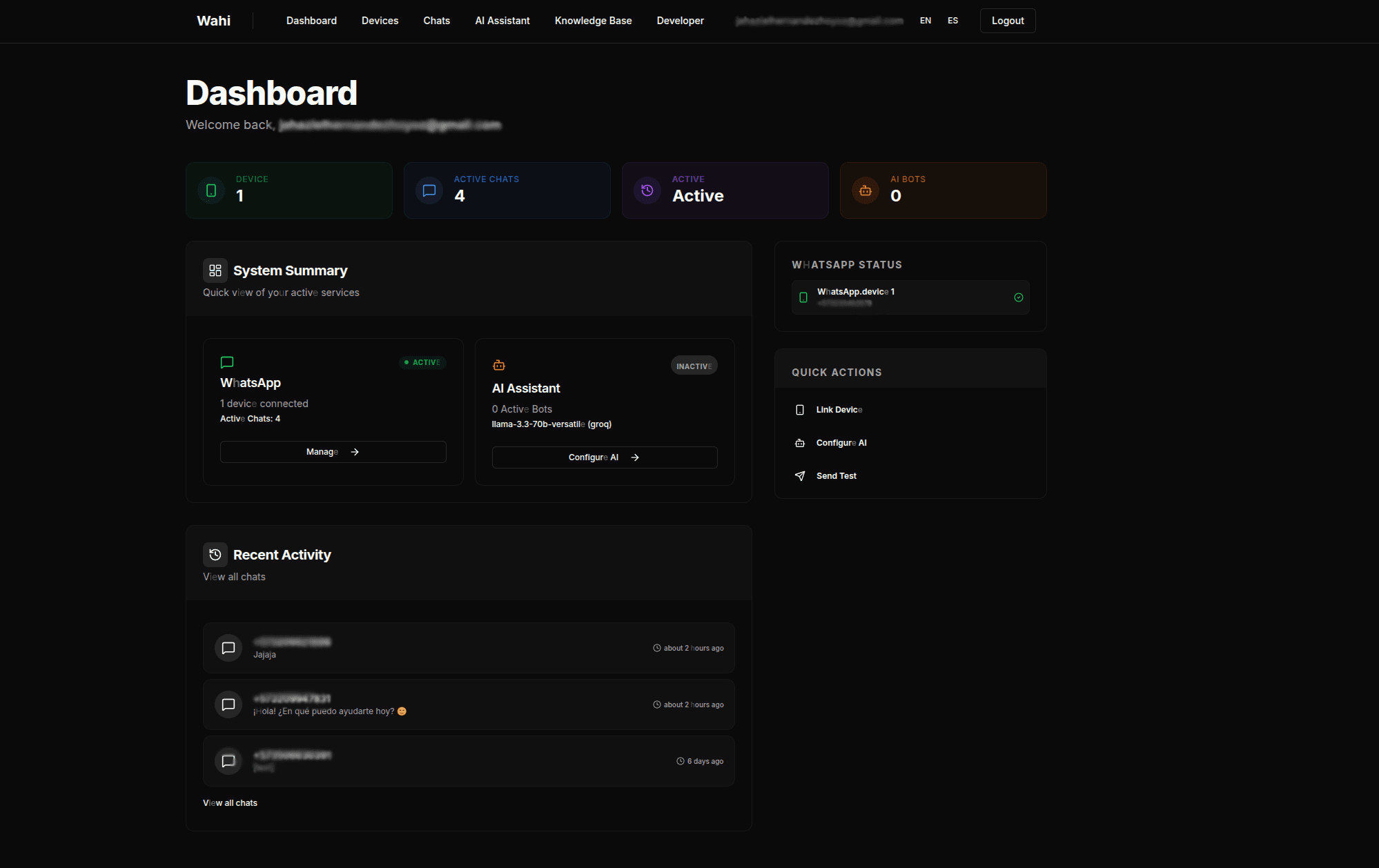
See Wahi in action
Simple interface designed for anyone to set up
Early access to Wahi
We're building the first group of businesses that will test Wahi before launch. Only those who request access now will get 3 months free — everyone else will pay from day one.
- ✓Early access to all features
- ✓Direct influence on feedback and roadmap
- ✓3 months free when we officially launch
Limited spots. Once we launch, this offer is gone. Try it with no strings attached.
The 3 free months start counting from Wahi's public launch date.
Wahi is NOT...
To avoid confusion, let's clarify what Wahi is NOT
A rigid flow-based bot that doesn't understand context
Generic AI that makes up answers
A technical tool only for developers
It's an intelligent advisor trained with YOUR real data
REST API to integrate WhatsApp into your product
If you need custom integration, we have a complete documented API.
// Send a WhatsApp message
const response = await fetch('https://api.wahi.app/v1/messages', {
  method: 'POST',
  headers: {
    'Authorization': 'Bearer YOUR_API_KEY',
    'Content-Type': 'application/json'
  },
  body: JSON.stringify({
    to: '521234567890',
    message: 'Hello from Wahi!'
  })
});

const data = await response.json();
console.log('Message sent:', data.messageId);